[Precision and Recall with an Interactive Visualization Tool]
Precision and recall can be hard to reason about in text. This post lets you see how changing score distribution and threshold changes the confusion outcomes and model behavior.
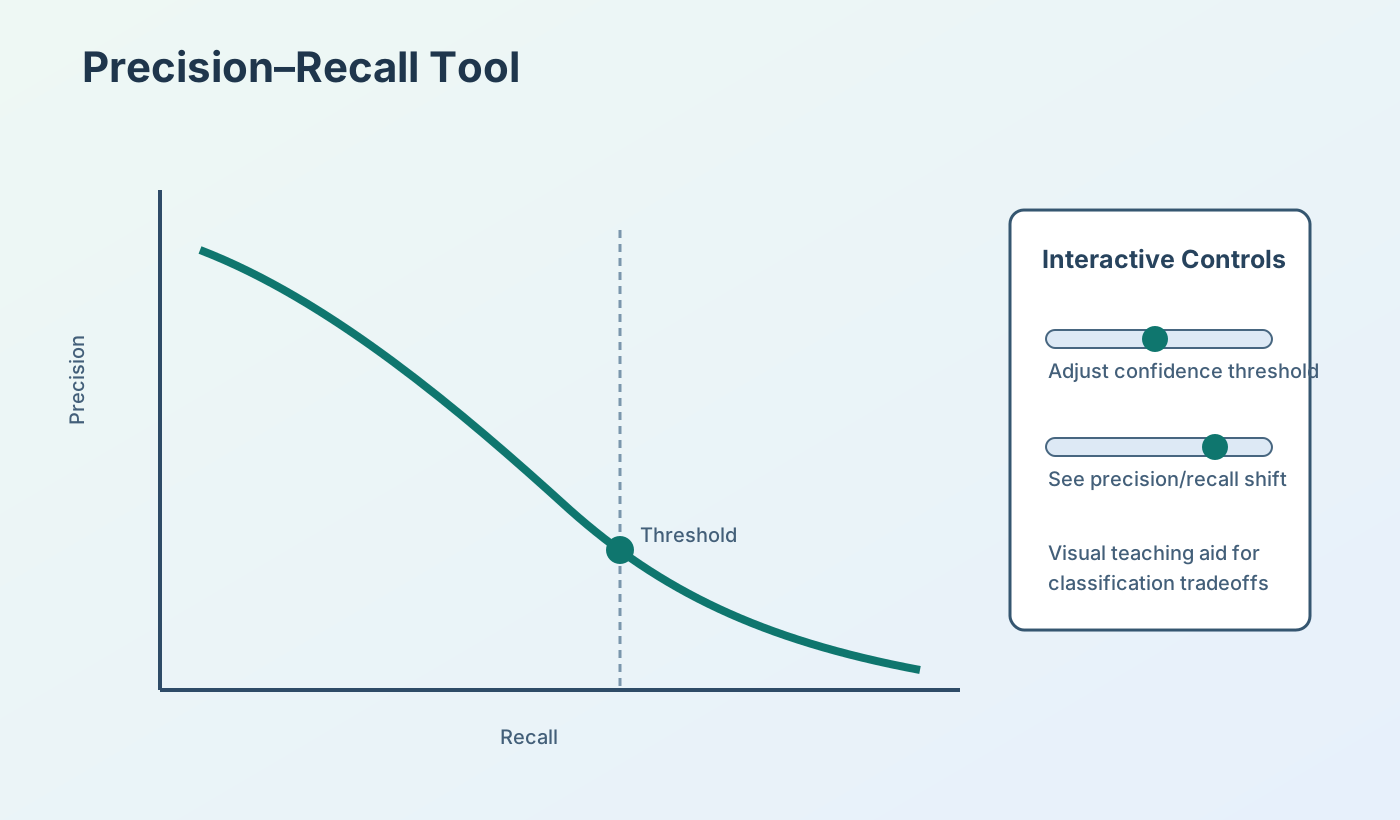
When I build machine learning models for different companies that involve classification, knowing how to measure the quality of a classifier is paramount. For binary classification, such as my project with the U.S. National Park Service detecting bird species in audio recordings, I regularly use Precision and Recall quality metrics. Precision and Recall are preferred for binary classification since a metric like Accuracy can be very misleading when you have many more examples of one class than the other (i.e. imbalanced data). Since precision and recall can be a little challenging to grasp, I've built the simple interactive tool below to visualize how a classifier's quality can be measured with precision, recall, and the curve generated by sweeping a prediction score threshold for class determinations.
Interactive Visualization
Use the sliders to update both charts in real time.
Directions:
Demo status: ready — move a slider to start rendering.
1. Drag the first slider that controls classification quality. This generates prediction scores from a classifier for the 100 positive examples (red lines) and 100 negative examples (grey lines), which are plotted in score order on the left of the first visual below.
2. Drag the second slider that controls the prediction threshold. Data points with classification scores above this threshold are classified as Positive, also shown in the first visual.
3. As the threshold is changed, observe the change on Precision Recall Curve in the second visual.
4. In the first visual, the right panel shows confusion outcomes: TP (green), FP (orange), FN (red), TN (slate).